
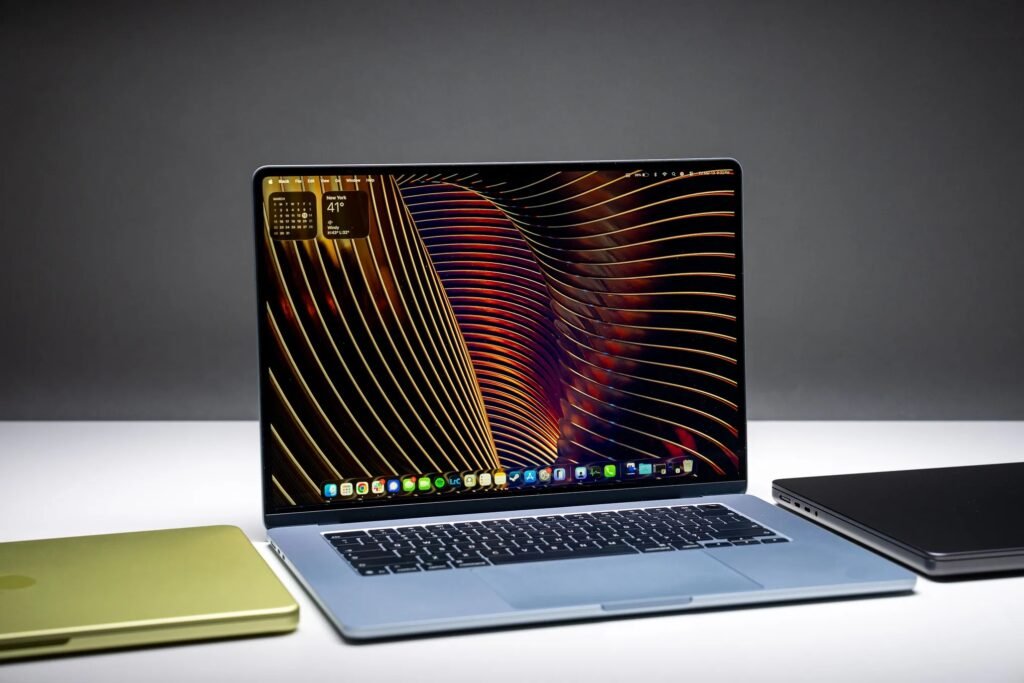

MacBook Pro M5 (2026) Review: Price, Specs, and Performance
A complete 2026 MacBook Pro M5 review covering the M5, M5 Pro, and M5 Max chips, pricing, real-world performance, pros and cons, and who should actually upgrade.
MacBook Pro M5 (2026) Review
There’s a certain rhythm to how Apple updates the MacBook Pro these days. The aluminum shell stays the same, the keyboard feels familiar under your fingers, and at a glance, you’d be forgiven for thinking nothing changed at all. Then you actually run something demanding on it, and the gap between generations becomes obvious fast.
That’s exactly the story with the 2026 MacBook Pro lineup. Apple rolled this generation out in two waves, starting with the base M5 model in October 2025, followed by the more powerful M5 Pro and M5 Max chips in March 2026. On the surface, it looks like a safe, incremental update. Underneath, it’s a genuinely significant leap, particularly for anyone doing serious creative or technical work. Here’s an honest look at what you’re actually getting, and which version makes sense for which kind of buyer.
What’s New in the 2026 MacBook Pro Lineup
A Smarter Chip Architecture
The M5 family was engineered with AI workloads specifically in mind. Apple’s new Neural Accelerators are now built directly into each GPU core, and the company claims up to 4x AI performance compared to the previous generation, and as much as 8x compared to the original M1 chip. In practical terms, that means tasks like AI-powered photo editing, on-device transcription, and machine learning workflows run noticeably faster without draining the battery the way they used to.
Real Performance Gains, Not Just Marketing Numbers
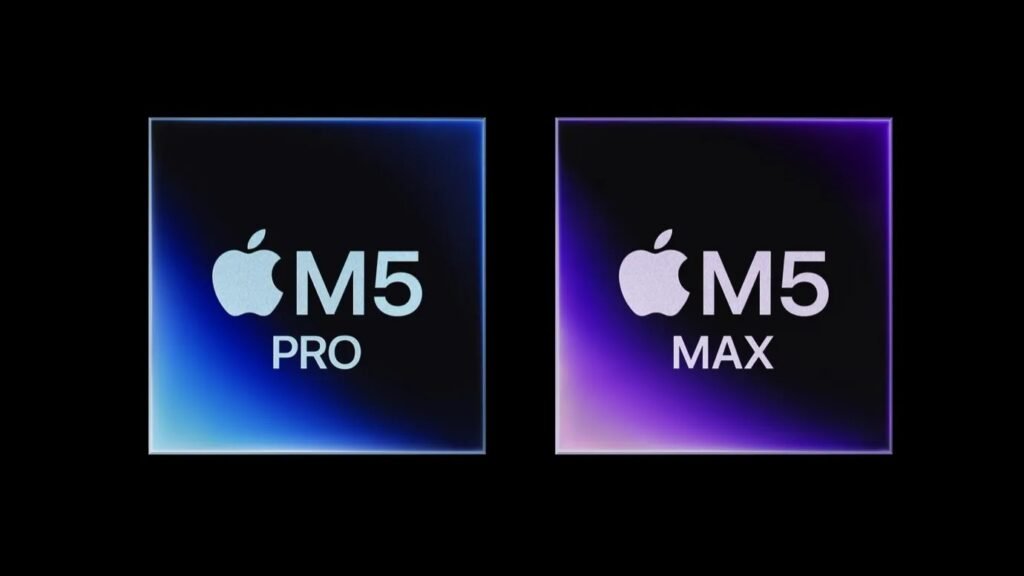
The base M5 chip comes with up to a 10-core CPU and 10-core GPU, supporting up to 32GB of unified memory. Step up to the M5 Pro, and you get as many as 18 CPU cores and 20 GPU cores. Reviewers testing the M5 Pro model have found it roughly double the speed of the standard M5 MacBook Pro in real creative workflows, and notably faster than many comparably priced Windows machines.
Faster Storage and Updated Wireless
Every 2026 MacBook Pro benefits from up to 2x faster SSD speeds compared to the previous generation, which translates to quicker file transfers and snappier app launches, especially when working with large video or RAW photo files. Apple also introduced its in-house N1 wireless chip, bringing Wi-Fi 7 and Bluetooth 6 support across the lineup, a meaningful jump for anyone working in busy office environments with lots of competing wireless signals.
What Didn’t Change
It’s worth being upfront here: the design, display, camera, and audio hardware are essentially unchanged from the previous generation. If you were hoping for a touchscreen or a major redesign, you’ll need to wait, since rumors point to that kind of change arriving with the M6 generation, possibly not until 2027.
Performance and Real-World Use
Everyday Productivity
For writing, browsing, email, and video calls, even the base M5 model feels like overkill in the best possible way. Multitasking across dozens of browser tabs alongside several creative apps doesn’t introduce the kind of slowdown you’d notice on most Windows ultraportables in this price range.
Creative and Professional Workflows
This is where the M5 Pro and M5 Max really separate themselves. Testing across video editing, 3D rendering, and photo editing software shows the M5 Pro comfortably handling tasks that would make older MacBook Pros struggle, all while staying impressively quiet under sustained load. The M5 Max pushes this further for users working with massive video files, complex visual effects, or large-scale machine learning models.
Battery Life
Apple’s efficiency gains continue to be one of the most underrated parts of the MacBook Pro story. Despite the performance increases, battery life remains a strength of the lineup, comfortably lasting through a full workday of mixed use for most professionals, even when running demanding creative software.
Pricing and Configurations
| Model | Chip | Starting Price (14-inch) | Starting Price (16-inch) |
|---|---|---|---|
| MacBook Pro | M5 | $1,599 | — |
| MacBook Pro | M5 Pro | $2,199 | $2,699 |
| MacBook Pro | M5 Max | $3,599 | $3,899 |
The base M5 model is only available in the 14-inch size, while the M5 Pro and M5 Max come in both 14-inch and 16-inch versions. Notably, the entry-level M5 model now starts with 1TB of storage included, a welcome change from previous generations that often shipped with a more limiting 512GB by default.
Pros and Cons
Pros:
- Significant AI and machine learning performance gains thanks to the new Neural Accelerators
- M5 Pro delivers roughly double the speed of the base M5 in real creative workflows
- Faster SSD storage and modern Wi-Fi 7 and Bluetooth 6 support
- Excellent battery life despite the performance increases
- Quiet, cool operation even under heavy sustained workloads
Cons:
- Design, display, and camera hardware remain unchanged from the previous generation
- M5 Pro and M5 Max pricing climbs quickly with higher RAM and storage configurations
- Most casual users won’t come close to using the full power on offer
- No touchscreen option, despite ongoing rumors about future models
MacBook Pro M5 vs. M5 Pro vs. M5 Max: Which One Should You Buy?
| Feature | M5 | M5 Pro | M5 Max |
|---|---|---|---|
| Best for | Everyday use, light creative work | Professional creative workflows | Heavy video, 3D, and AI workloads |
| Max CPU cores | 10 | 18 | Higher than M5 Pro |
| Max unified memory | 32GB | Up to 64GB | Highest in lineup |
| Starting price | $1,599 | $2,199 | $3,599 |
If your daily work involves writing, browsing, spreadsheets, and the occasional photo edit, the base M5 model is genuinely more than enough, and arguably the best value in the lineup. The M5 Pro is where professional creators should be looking, especially video editors and photographers who need real performance headroom without paying Max-tier prices. The M5 Max is reserved for users with genuinely demanding workloads, like colorists, 3D artists, or developers training machine learning models locally.
Real-World Use Cases
A freelance writer or marketing professional juggling research, drafting, and video calls all day will find the base M5 MacBook Pro handles everything smoothly, while the included 1TB of storage removes one less thing to worry about.
A video editor cutting client projects in Final Cut Pro or Premiere Pro will notice a real difference stepping up to the M5 Pro, particularly when exporting longer 4K timelines or working with multi-cam footage, where the doubled performance translates directly into less waiting around.
A software developer working with on-device AI models or training smaller machine learning workloads locally benefits most from the M5 Max’s expanded memory and GPU core count, since that kind of work tends to be the most memory-hungry task a laptop can realistically handle.
A photographer who travels frequently for shoots will appreciate the combination of strong battery life and faster SSD speeds in the M5 Pro, making it easier to cull and edit RAW files on location without waiting on a desktop back home.
Frequently Asked Questions
Is the MacBook Pro M5 a big upgrade over the M4?
For most everyday tasks, the jump won’t feel dramatic. For AI-related workflows and demanding creative tasks, however, the improvement is substantial, particularly with the M5 Pro and M5 Max chips, which deliver roughly double the performance of the base M5 model in real-world testing.
Should I buy the base M5 or upgrade to the M5 Pro?
If your work is mostly writing, browsing, and light editing, the base M5 is genuinely sufficient and the better value. If you regularly work with video editing, 3D rendering, or other GPU-intensive software, the M5 Pro is worth the extra cost.
Did Apple change the MacBook Pro’s design in 2026?
No, the design, display, camera, and audio hardware remain unchanged from the previous generation. The improvements this year are almost entirely under the hood, centered on the new chip architecture and faster storage.
Will there be a touchscreen MacBook Pro?
Industry analysts have suggested Apple may introduce a touchscreen MacBook Pro, but that change isn’t expected until the M6 generation, and could potentially be delayed until 2027.
Is the MacBook Pro M5 Max overkill for most people?
For the vast majority of users, yes. The M5 Max is built for specialized, demanding workloads like advanced video production, 3D rendering, or local AI model training. Most professionals will find the M5 Pro delivers more than enough performance without the steep price jump.
Final Verdict
The 2026 MacBook Pro lineup is a textbook example of Apple refining rather than reinventing, and in this case, that’s a genuinely good thing. The new M5 chip family delivers real, measurable performance gains, especially for AI and creative workflows, without asking you to relearn a new design or sacrifice the battery life and build quality that made previous generations so dependable in the first place.
If you’re due for an upgrade and your work leans creative or technical, the M5 Pro is where the real value lives this generation. Everyone else can comfortably save money with the base M5 and still end up with one of the most capable everyday laptops on the market.